Understanding the DISCOM Portal Workflow
The PM Surya Ghar: Muft Bijli Yojana has accelerated residential solar adoption, but processing bottlenecks at the DISCOM portal still create friction. Homeowners need to understand the exact digital pathway their paperwork follows to keep funds moving. To estimate your setup requirements before applying, check our solar roof area calculator for proper sizing.
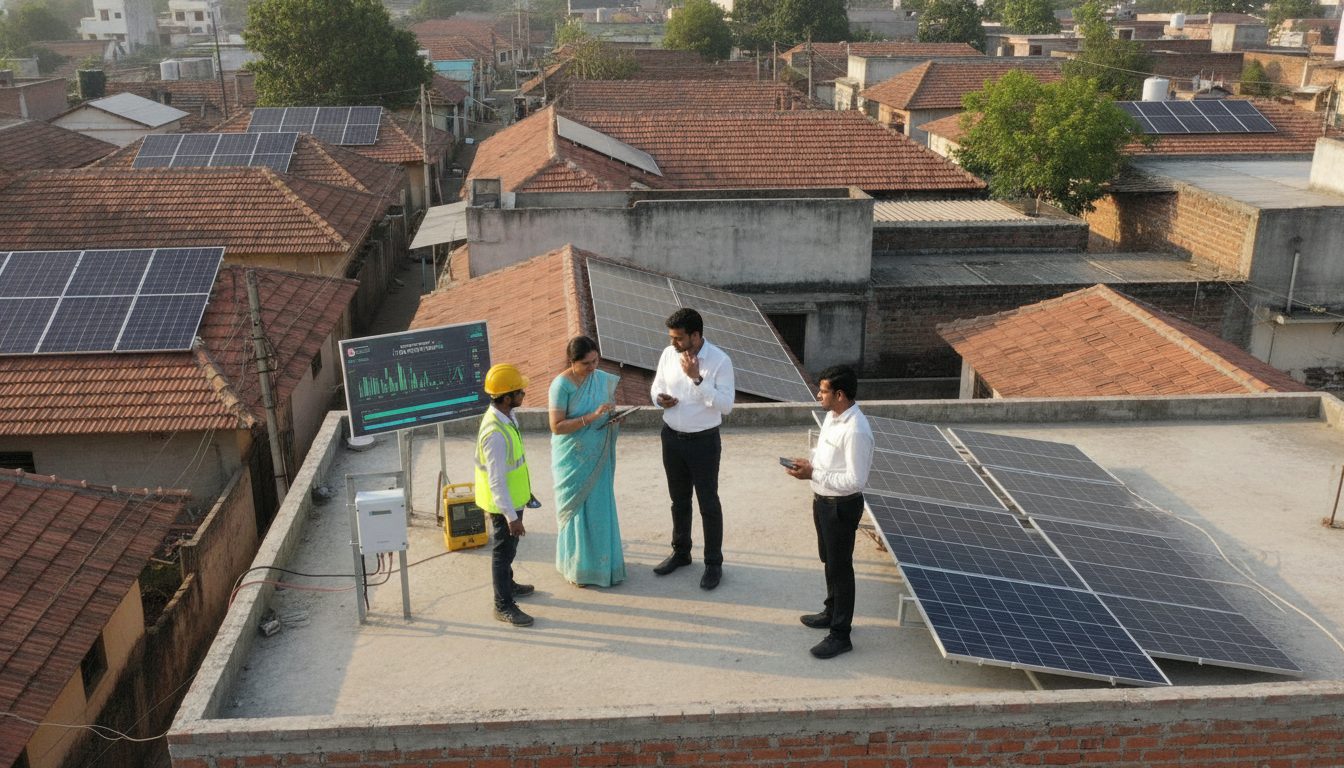
After installation, your registered vendor submits plant details, inverter serial numbers, and test reports to the local electricity distribution company portal. The DISCOM field inspector then verifies the physical setup against the submitted application. Once approved, the file moves toward central financial assistance clearance. Delays typically happen when uploaded file formats or technical specs fail initial validation checks.
Want to see what this means for your roof? Use our free solar calculator for India to estimate system size, cost after the ₹78,000 subsidy and payback period.
Common Vendor Upload Errors and Rejections
Many subsidy hold-ups originate from simple data entry mistakes made by installation partners during initial submissions. Common triggers for portal rejections include mismatched consumer numbers on electricity bills, incorrect geo-coordinates of the rooftop, and blurry single-line diagram uploads. Serial numbers of solar panels and inverters must match physical hardware labels precisely. If a vendor enters a single digit wrong, the system flags a discrepancy and halts the application until rectified.
Homeowners should demand digital copies of all documents before the vendor pushes them to the portal. Reviewing these files yourself prevents prolonged verification loops and keeps your installation on track.
Escalation Matrices and Paperwork to Demand
When an application stalls for weeks without movement, you need a clear escalation path. Start by contacting your installer's nodal service engineer to check specific portal remarks. If the vendor is unresponsive, lodge a formal grievance on the National Portal helpdesk or escalate the matter to the local DISCOM nodal officer assigned to renewable energy projects.
Always secure a comprehensive documentation kit from your installer. This kit must include the net metering application receipt, commissioning certificate, joint inspection report signed by the DISCOM official, and the final safety test certificate. Having these papers in hand ensures you can challenge incorrect rejections and secure your central financial assistance transfer without unexpected delays.
🌟 Ready to Go Solar? Get 3 Free Quotes
Connect with verified, MNRE-empanelled solar installers near you — free, no obligation.
Get Free Solar Quotes →